Room Guides
Designing a home office that works: ergonomics to acoustics
Working from home stopped being temporary years ago, but many of us still answer emails from the dining table. Here is how to plan a workspace that is comfortable for eight hours, quiet enough for calls and still part of a family home.
A good home office is not about a beautiful desk. It is about a body that does not ache at 6 pm, a face that looks clear on video, a call that is not interrupted by the pressure cooker, and a laptop that survives a power cut. This guide covers each of those, with the dimensions and specifications we use when we design workspaces into homes in Raipur and Bhopal — from a full spare room to a 4 ft corner.
Choose the right spot first
Where you put the desk matters more than what desk you buy. Look for four things: daylight from the side, a door you can close for calls, distance from the kitchen and the main door, and an existing power point you can extend.
| Option | Minimum space | Works well when | Watch out for |
|---|---|---|---|
| Spare bedroom | About 8 × 8 ft | You work from home most days or have frequent calls | Losing the guest room; add a daybed or sofa-bed |
| Corner of a bedroom | About 4 × 5 ft (1,200 × 1,500 mm) including chair space | Calls are occasional and a partner works elsewhere | Bed in the video frame; sleep and work blurring together |
| Living room nook | A 3–4 ft wall | You work in short sessions | Noise, TV, visitors; needs a way to close it up at night |
| Enclosed balcony | Varies | It is shaded and properly sealed | Heat — west and south balconies are very hot from March to June |
| Dining table | None extra | Temporary or occasional use | Daily packing up; poor chair height for long hours |
Sketch the options to scale in our room planner before deciding; the chair zone behind the desk is the space people forget.
Ergonomics, by the numbers
Most backaches at home come from furniture designed for eating or relaxing, not working. These are the dimensions we design to.
| Element | Recommended | Why |
|---|---|---|
| Desk height | 720–750 mm (2′4″–2′6″), or height-adjustable | Elbows at roughly 90° with shoulders relaxed |
| Desk depth | 600–750 mm; the deeper end if a monitor sits on the desk | Keeps the screen at a comfortable distance |
| Desk width | 1,000 mm minimum; 1,200–1,500 mm comfortable | Room for a laptop, notebook and documents |
| Leg room | At least 600 mm wide and 450–600 mm deep, clear of drawers | Space to move and stretch |
| Chair seat height | Adjustable, roughly 400–520 mm | Feet flat on the floor, thighs about level |
| Monitor position | Top edge at or slightly below eye level, 500–750 mm away | Neutral neck, less eye strain |
| Space behind the desk | 900–1,000 mm | To push the chair back and stand up — the same allowance as behind a dining chair |
- Laptops: a laptop on a table forces you to look down all day. Put it on a stand at eye level and use a separate keyboard and mouse.
- Chairs: look for adjustable seat height, a backrest with lumbar support, armrests that can drop to desk height and a seat depth that leaves a few fingers’ gap behind your knees. If the desk is too high for you, a footrest fixes it.
- Breaks: the commonly cited 20-20-20 habit — every 20 minutes, look at something about 20 feet away for 20 seconds — is easy to build into a day.
Light: daylight, task light and video calls
Place the desk so the window is to your side, not in front of the screen (glare in your eyes) or behind it (glare on the screen and a dark silhouette on video). If you must face a window, use a translucent roller blind.
- On the desk: our standard for a study is 300–500 lux (desk 500 lux) at 4000 K. A good desk lamp, positioned on the side opposite your writing hand, does most of the work.
- For video: light your face from the front or side with a soft source — a window, a lamp with a diffuser, or a small LED panel behind the monitor. Avoid a single downlight directly overhead, which casts shadows under the eyes.
- For the screen: a soft light behind the monitor reduces the contrast between a bright screen and a dark wall during late-evening work.
Our lighting guide explains lux and colour temperature; the lighting calculator sizes the fittings.
Acoustics: quiet calls in a busy home
Indian homes are lively: doorbells, pressure-cooker whistles, construction nearby, traffic, family. You cannot soundproof a bedroom cheaply, but you can make a large difference with the right steps, roughly in order of value.
- A good headset with a noise-cancelling microphone. The cheapest and most effective fix for what others hear.
- Soft surfaces. A rug, full-length curtains, an upholstered chair and a full bookshelf absorb echo in a bare room.
- Door seals. Most sound leaks through gaps around and under the door. Rubber perimeter seals and an automatic drop seal at the bottom cost little and help a lot.
- Acoustic panels. Fabric-wrapped or PET felt panels 25–50 mm thick on the wall behind you and beside you reduce echo on calls.
- Better windows. If traffic noise is the problem, double-glazed uPVC or aluminium windows with good seals are the real fix — and the most expensive one.
On our rate card, acoustic panels (fabric / pet felt) cost ₹150–450 per sq ft; door seals, solid-core doors and double glazing are quoted per opening after a site visit.
Power, data and backup
A home office in central India has to survive power cuts, voltage dips and monsoon lightning.
- Sockets: plan four to six sockets at the desk, ideally in a flush desk box or about 150 mm above the desk top, including USB-C.
- Backup: put the router, modem and at least one light on the inverter circuit, and the computer on a UPS. A short outage should not drop a call.
- Surge protection: use surge-protected strips for computers and monitors; storms in the monsoon cause spikes.
- Data: run a Cat6 cable from the router to the desk inside a conduit during electrical work. Wired connections are steadier than Wi-Fi for long video calls.
- Cable management: a cable tray under the desk and a grommet in the top keep wires off the floor.
Heat and cooling
A computer, a monitor and a person add steady heat to a small room. A west-facing study can be uncomfortable by mid-afternoon from March to June. Shade the window from outside if you can, use thermal or blackout blinds, and size the AC properly for the room and its exposure — our AC tonnage calculator helps. Keep the AC indoor unit from blowing directly onto the chair.
Storage and a clear desk
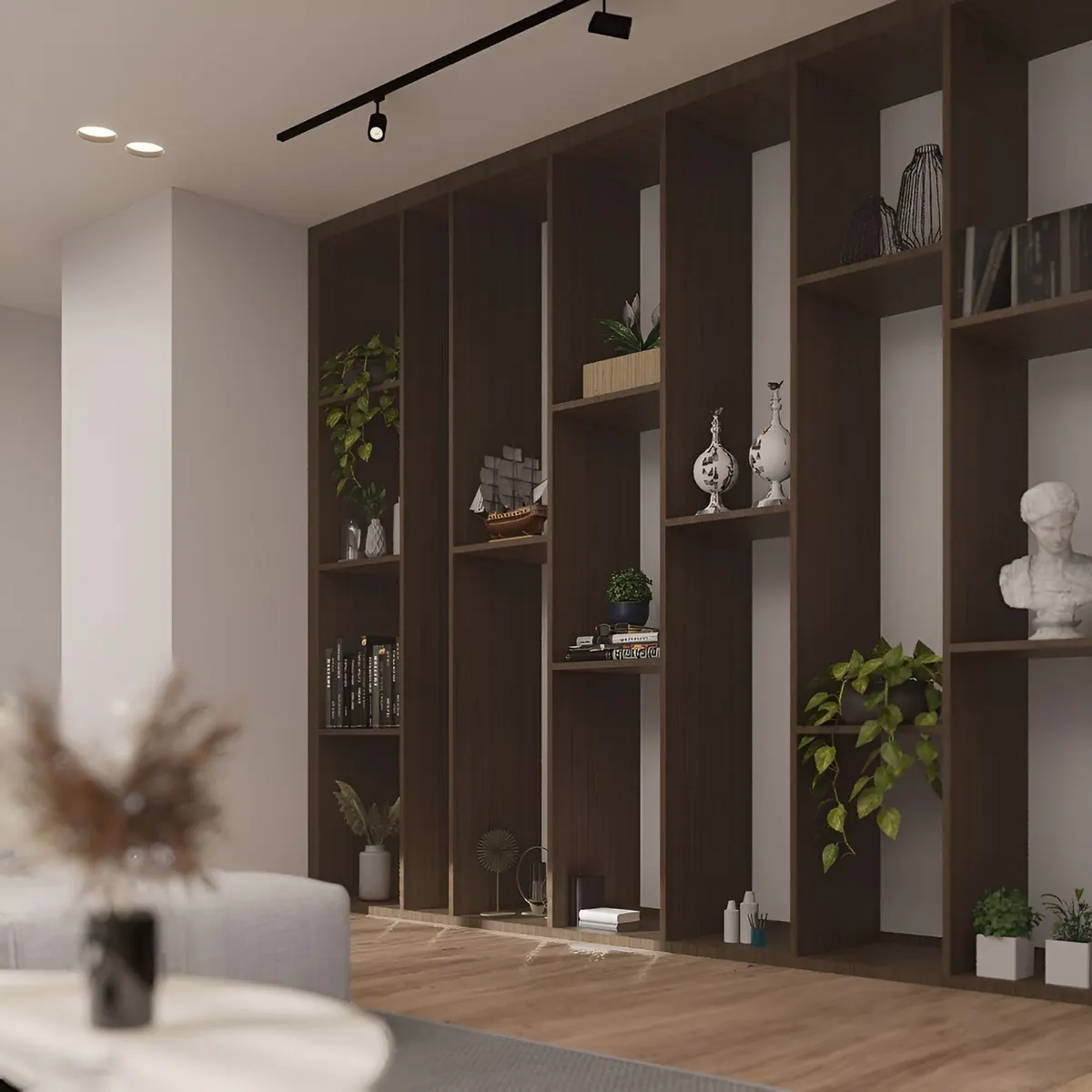
- Shelves above the desk need only 250–300 mm of depth; mount the lowest one at least 400–450 mm above the desk so a monitor fits below.
- A mobile pedestal of drawers (about 400 mm wide) slides under the desk and doubles as a side table.
- A closed cabinet for the printer and paper keeps dust off and the video frame tidy.
- A pinboard or pegboard on the side wall holds notes without cluttering the desk.
For more ways to fit storage into small rooms, see our storage ideas.
Three compact layouts that work
1. The wardrobe office
Build a 1,200 mm wide desk module into a run of bedroom wardrobes, with shutters that close over it at the end of the day. Inside: a 600 mm deep desk at 720–750 mm height, two shelves above, sockets and an LED strip. When closed, the room is a bedroom again.
2. The living room nook
A wall-mounted fold-down desk (about 100 mm deep closed, 600 mm open) with a shallow cabinet above, beside a window. Add a lamp and a comfortable chair that also works as an occasional living room chair.
3. The guest room that works
A daybed or sofa-bed against one wall, a 1,400 mm desk under the window on the adjacent wall, and a wardrobe for guests’ things on the third. It is a proper office on weekdays and a guest room at Diwali.
Your video background
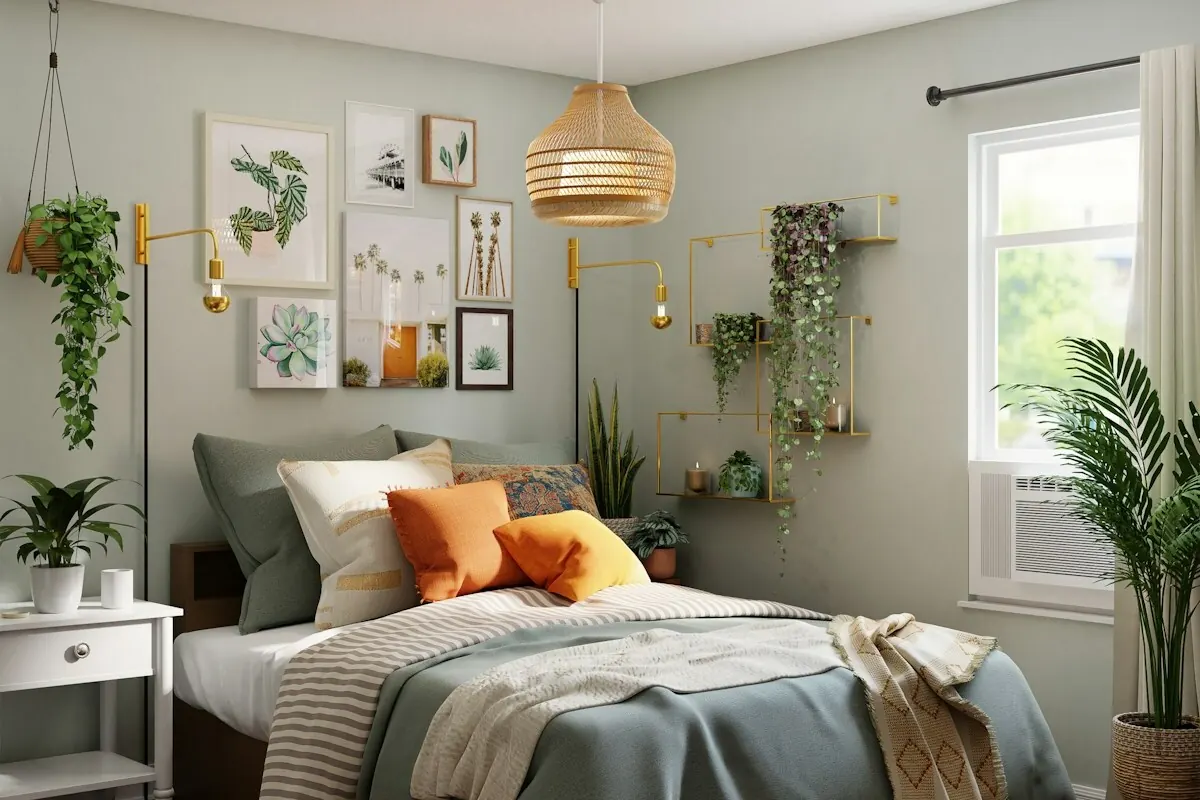
Colleagues see one wall of your home every day. A neutral, softly coloured wall, one shelf with a few books and a plant, and no bed or laundry in frame are enough. Colours that look good on camera are mid-tones — greige, sage, dusty blue — rather than bright white (which overexposes) or very dark colours. Our paint colour guide suggests palettes.
What a good set-up costs
Indicative prices
Figures come from our published 2026 rate card for Raipur and Bhopal: indicative turnkey ranges, excluding GST — an estimate to plan with, not a quotation.
| Item | Priced per | Indicative range, 2026 |
|---|---|---|
| Built-in study table with storage | unit | ₹18,000–60,000 |
| Ergonomic task chair | piece | ₹8,000–35,000 |
| Bookshelf / wall storage | sq ft of front | ₹900–1,800 |
| Table lamp | piece | ₹1,500–12,000 |
| UPS / inverter for the desk (1 kVA) | unit | ₹8,000–20,000 |
| Acoustic panels (fabric / PET felt) | sq ft | ₹150–450 |
FAQ