
Reference gallery
Visual reference & inspiration.
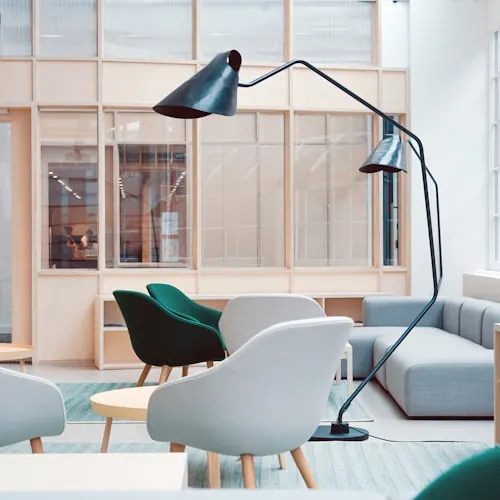
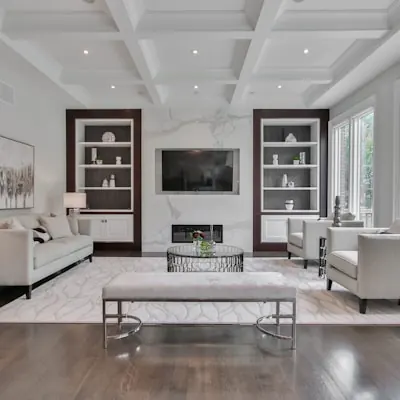
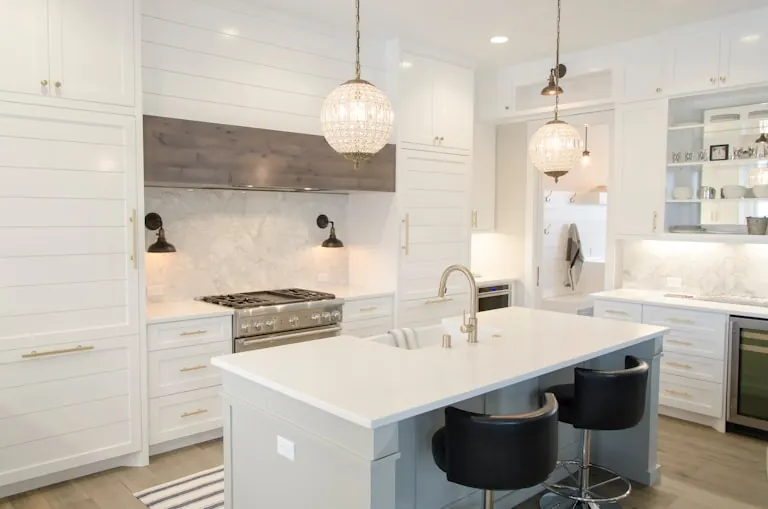
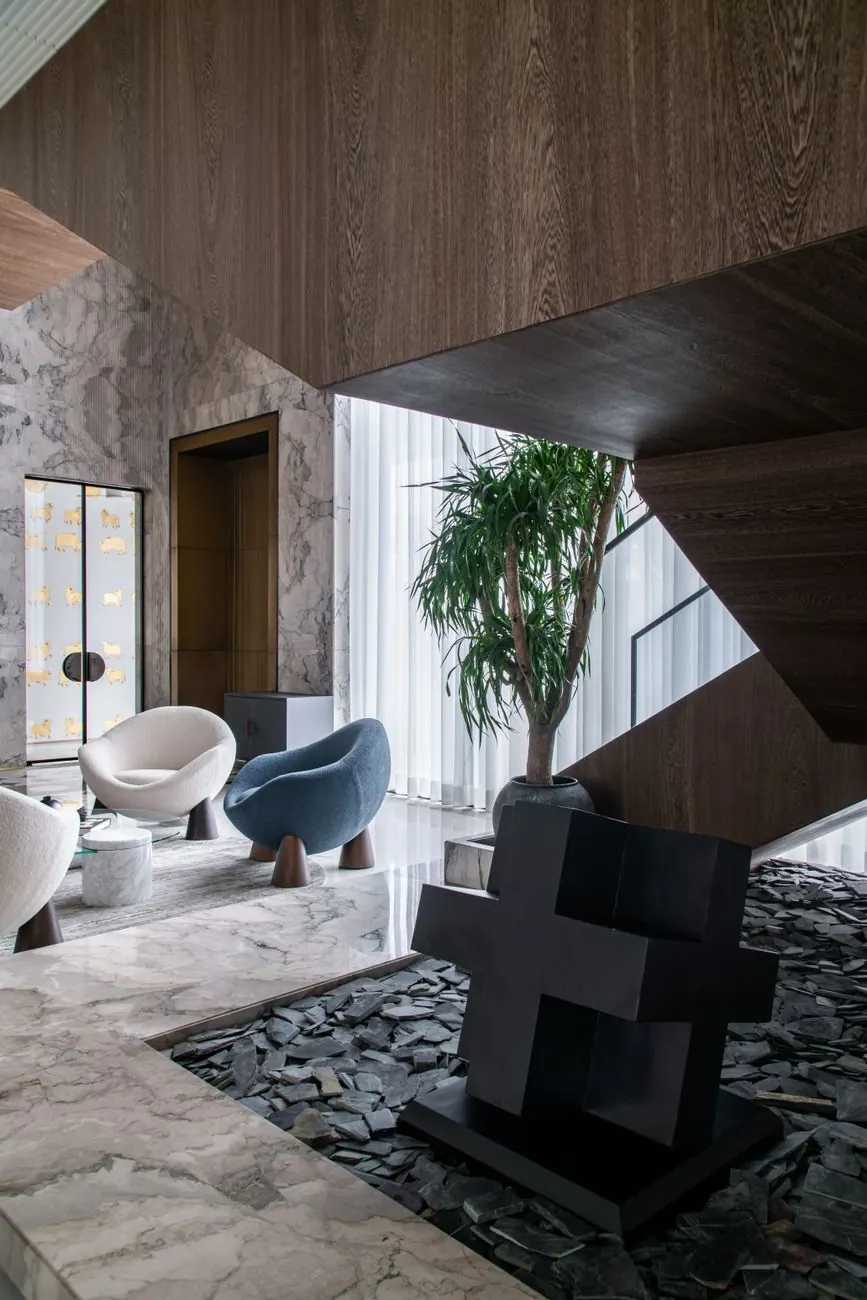
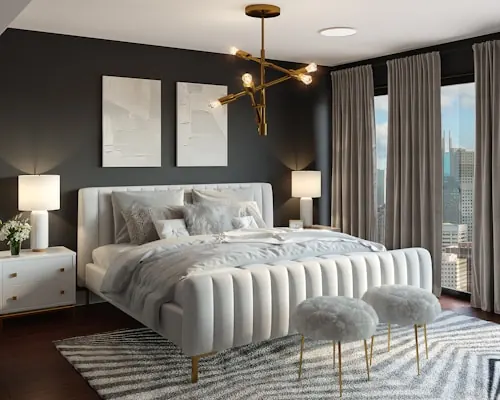
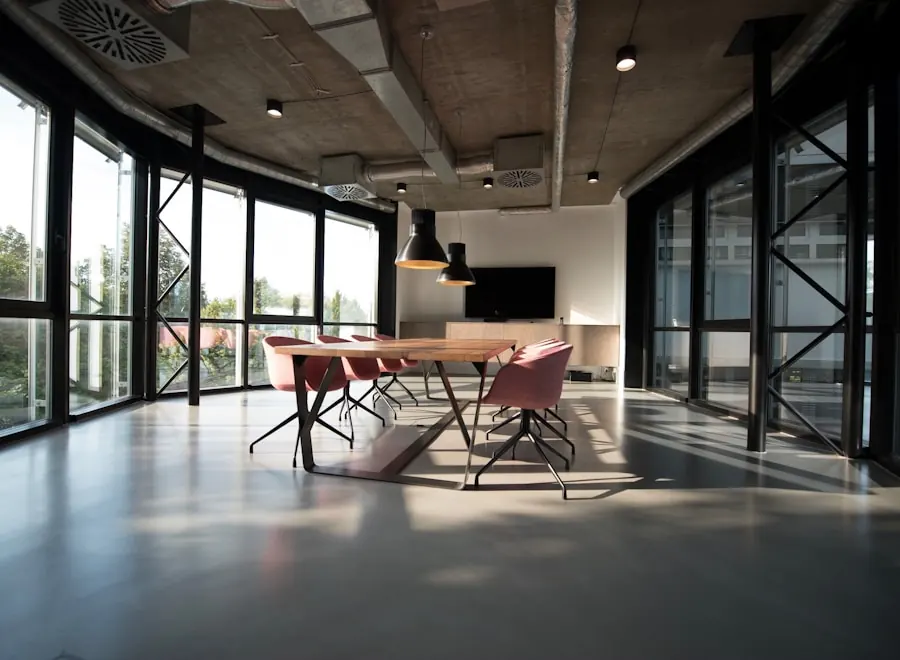
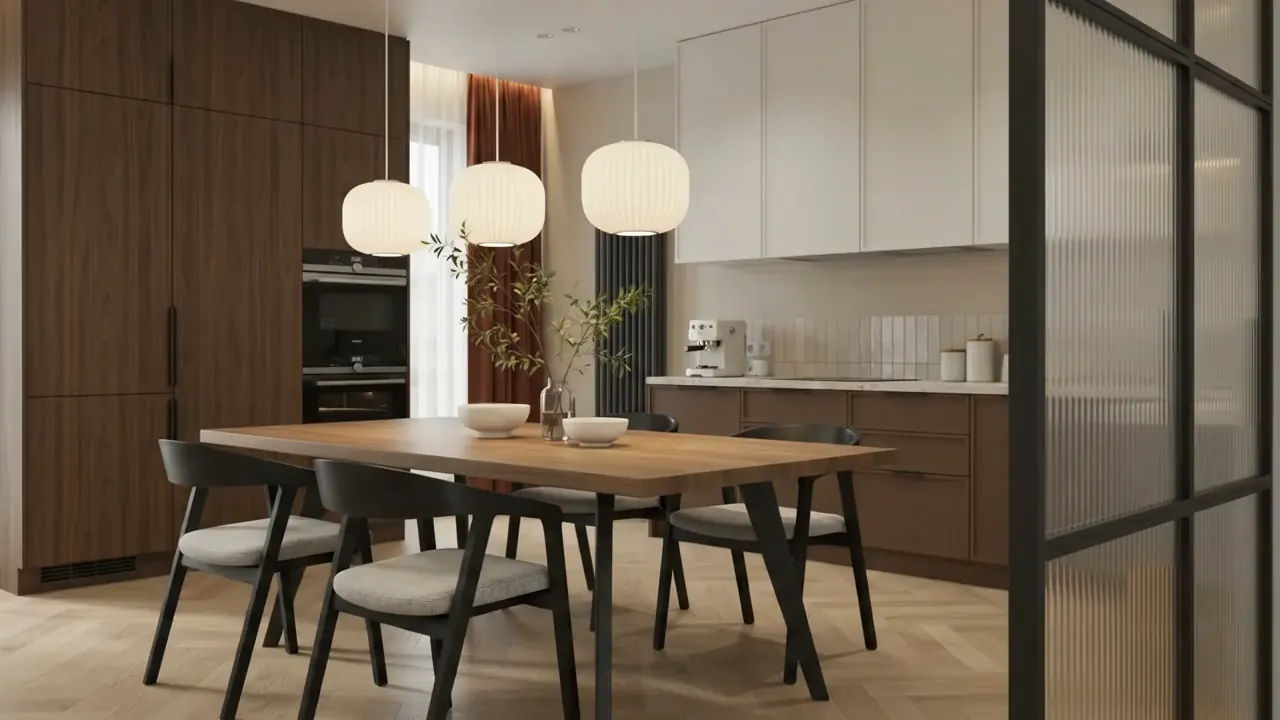
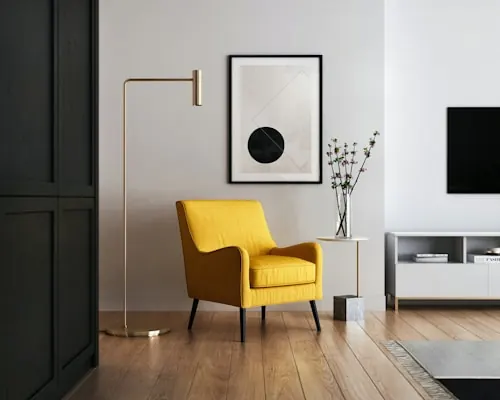
Rooms, details and moods to react to. Filter by room and style, open any image larger, and save the ones that feel right — they collect in My boards on this device.
Images
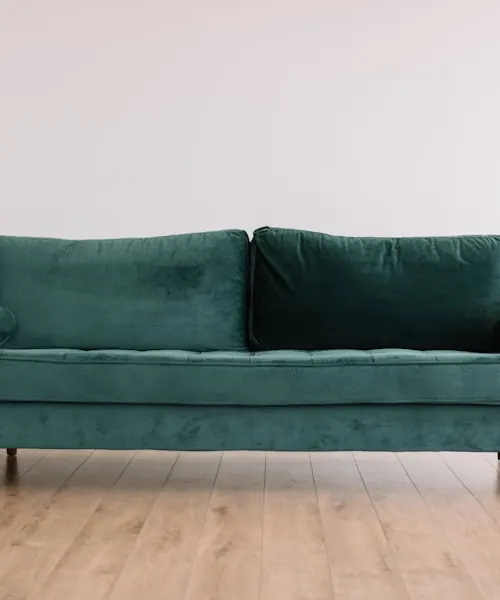
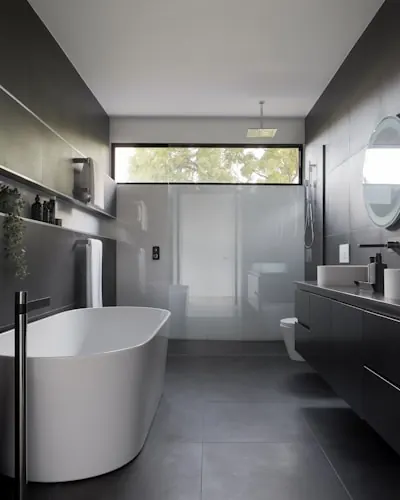
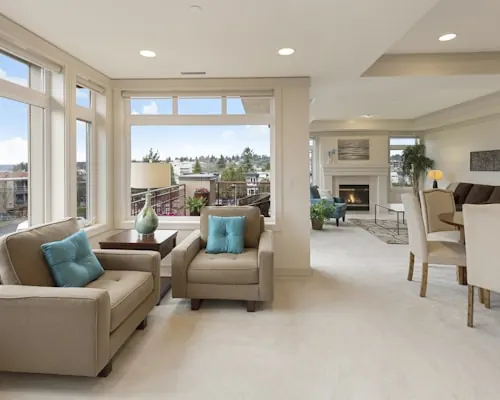
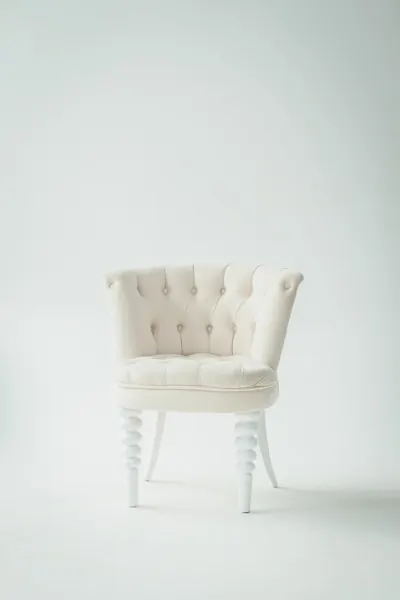
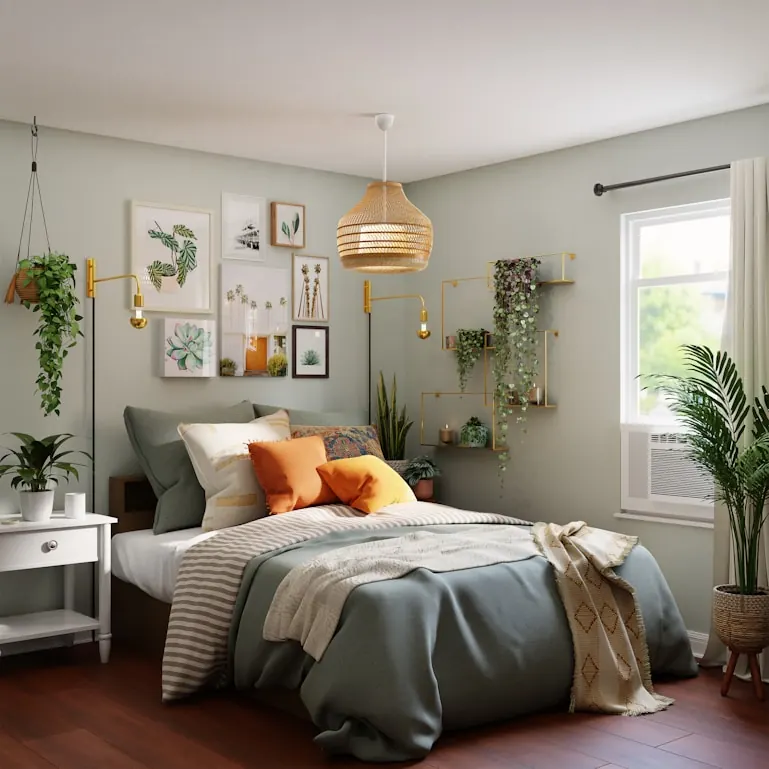
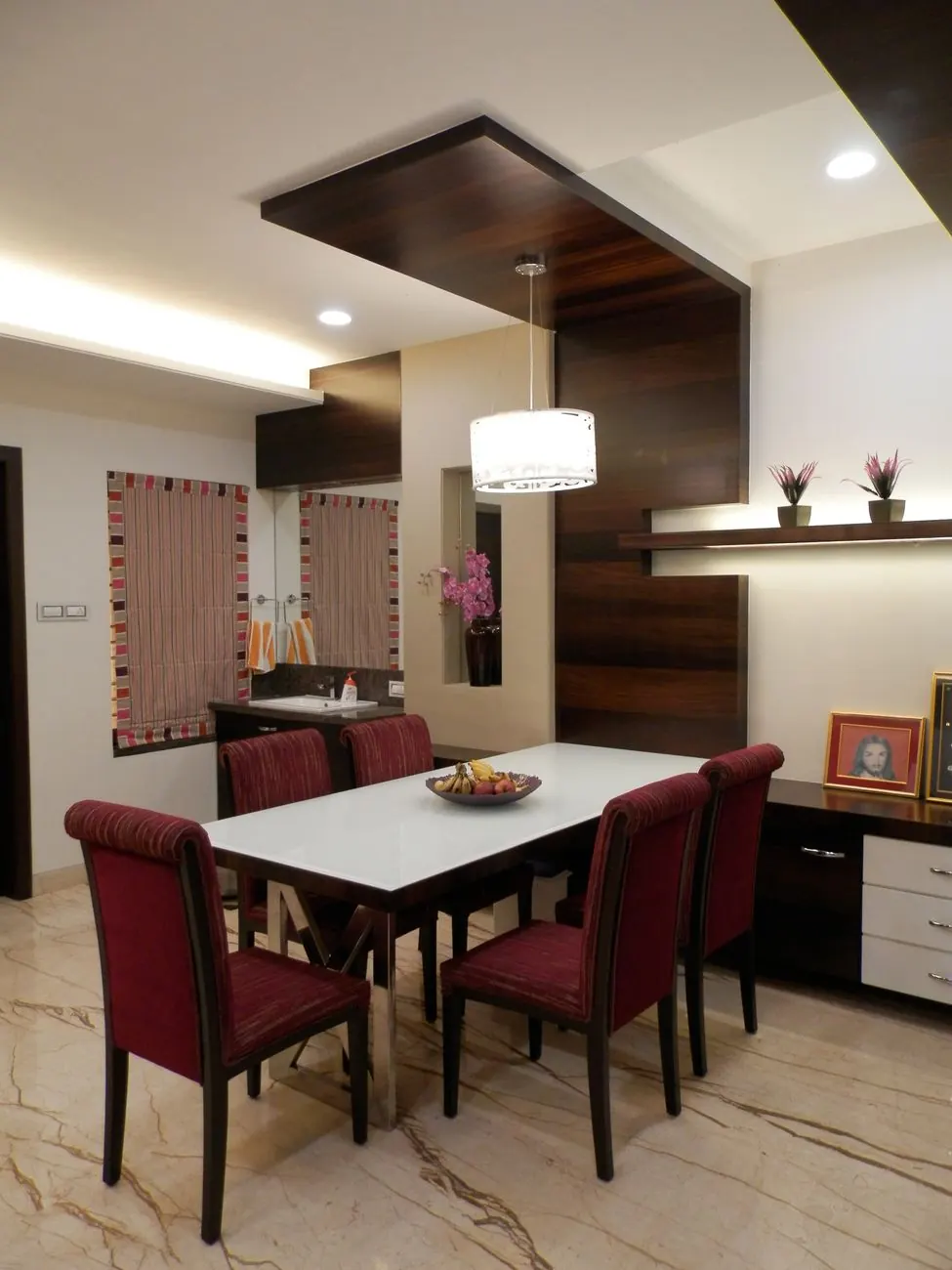
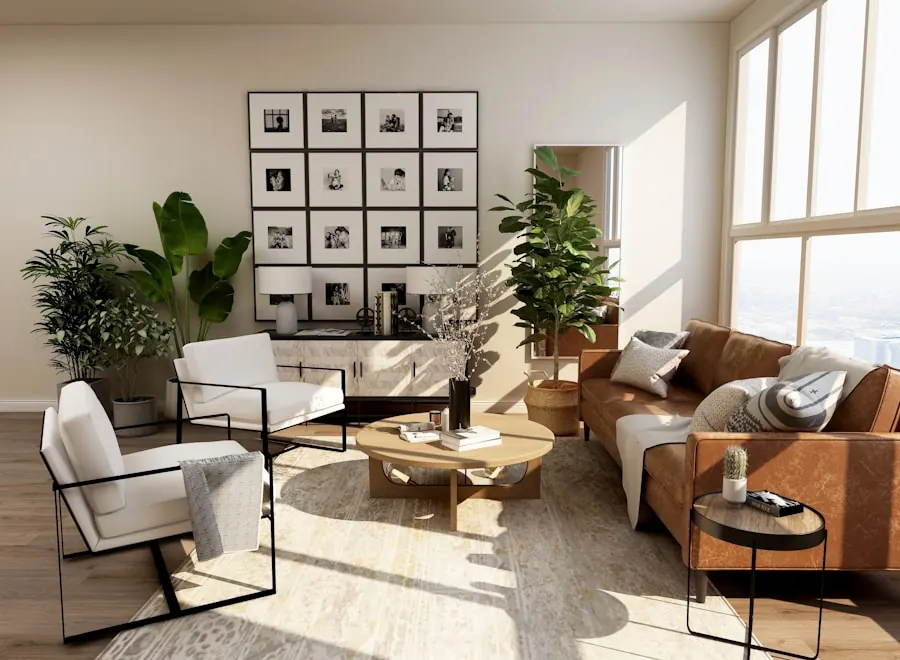
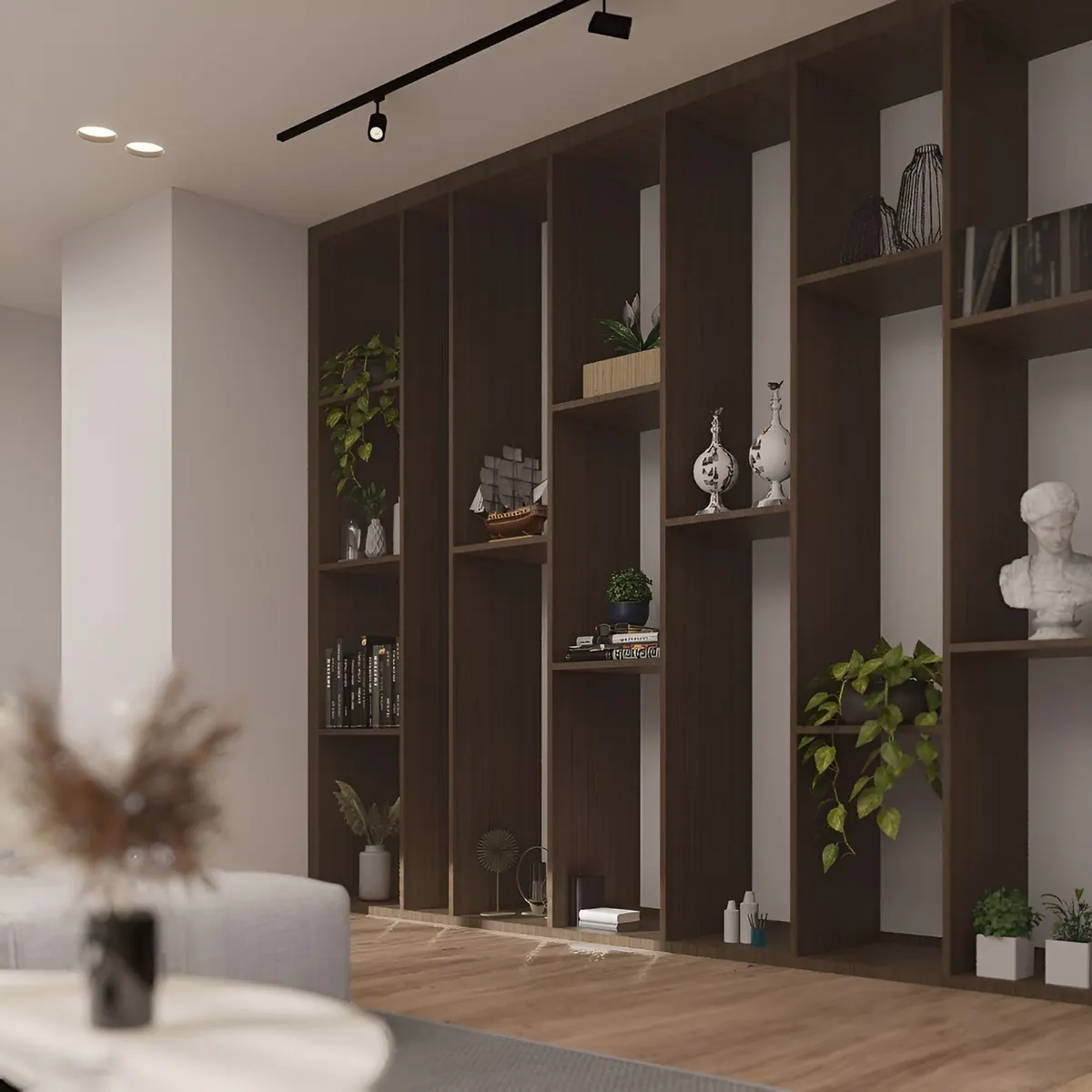
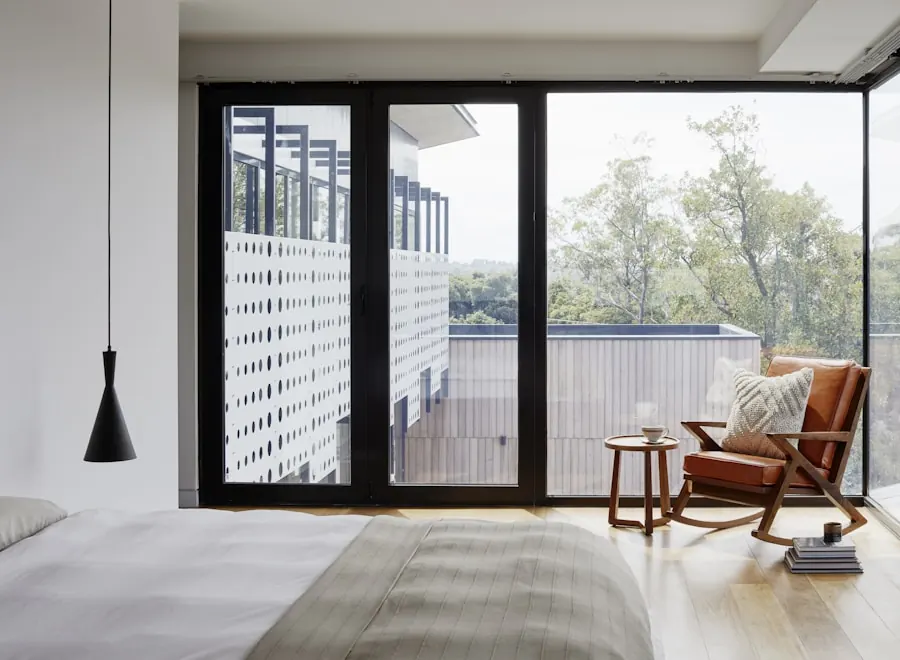
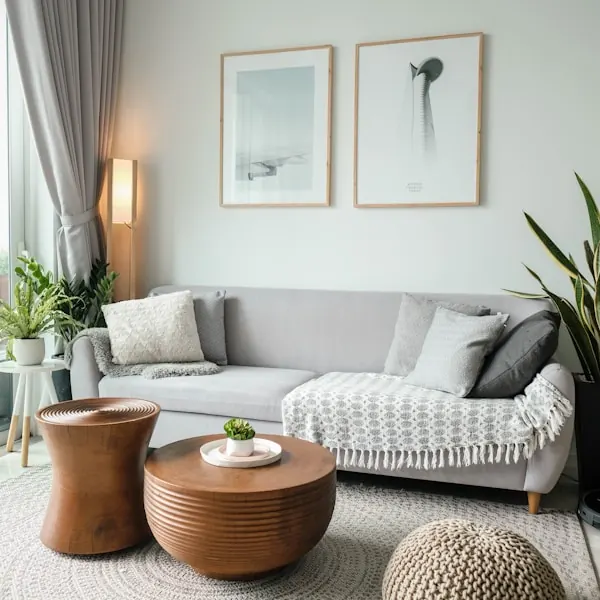
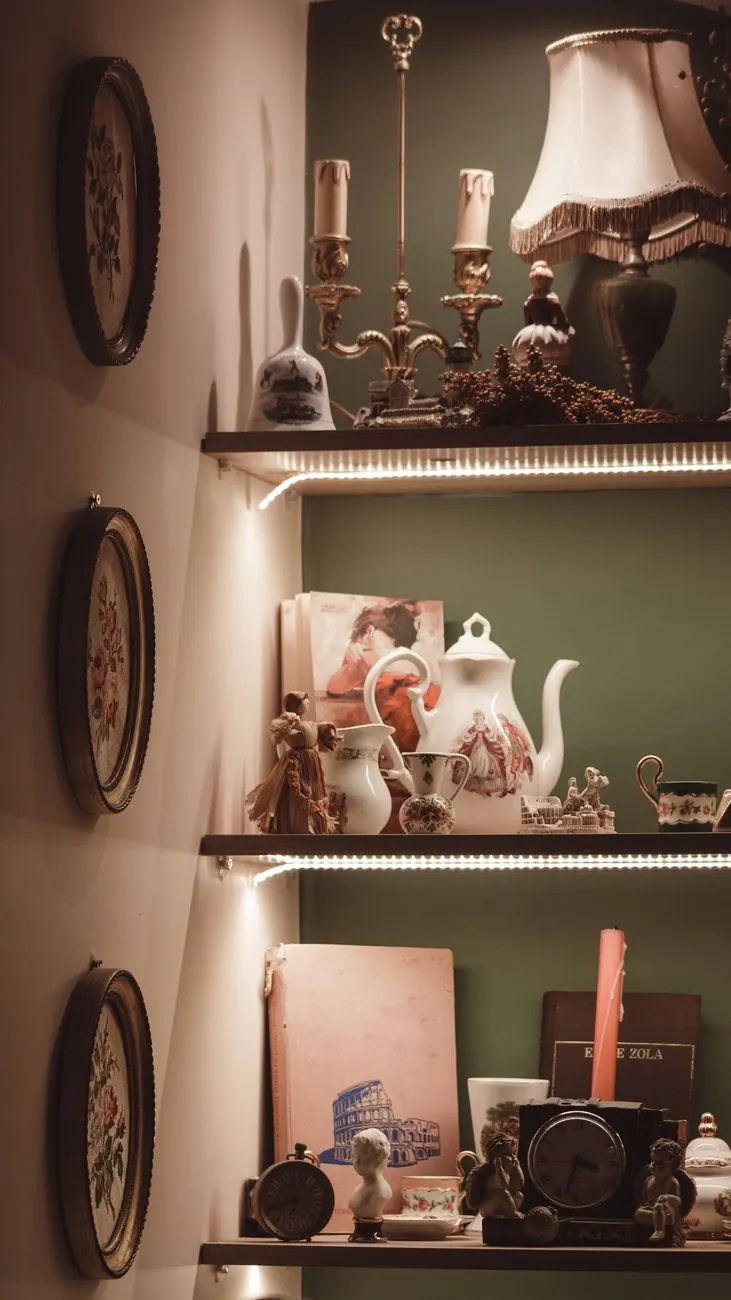
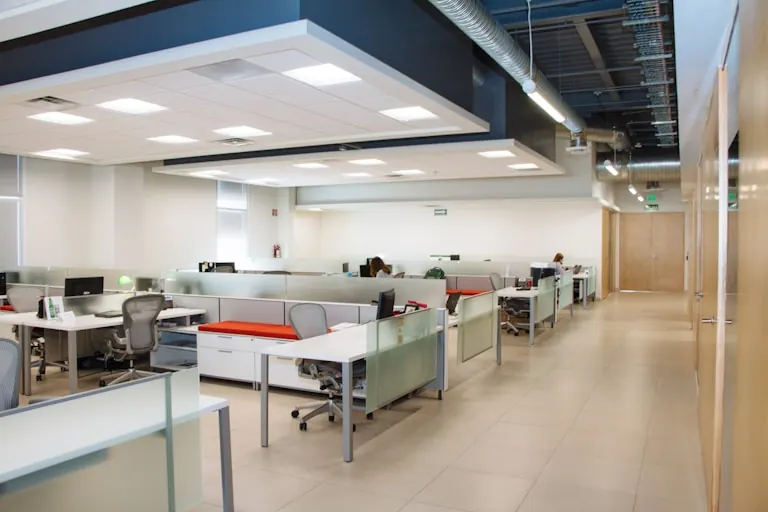
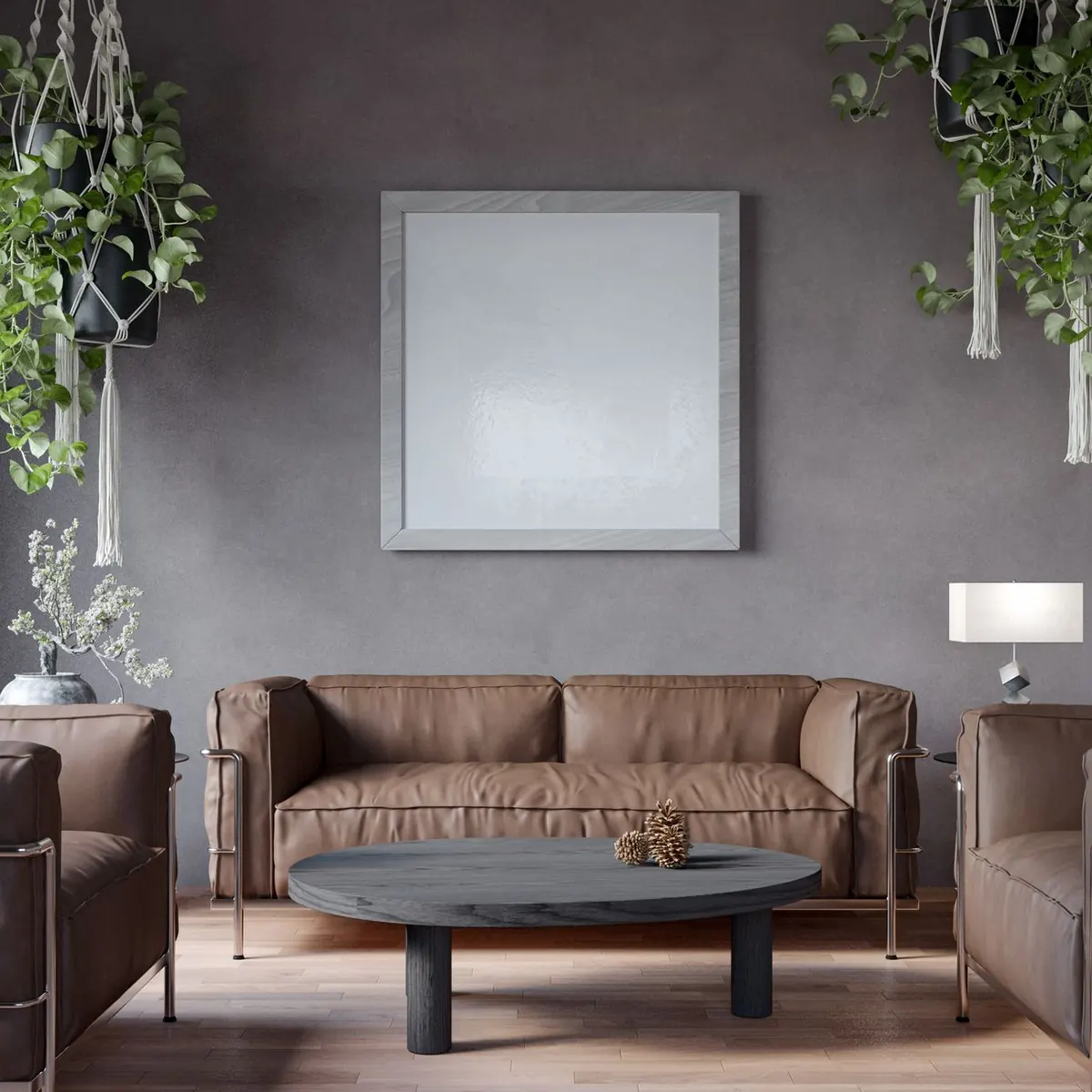
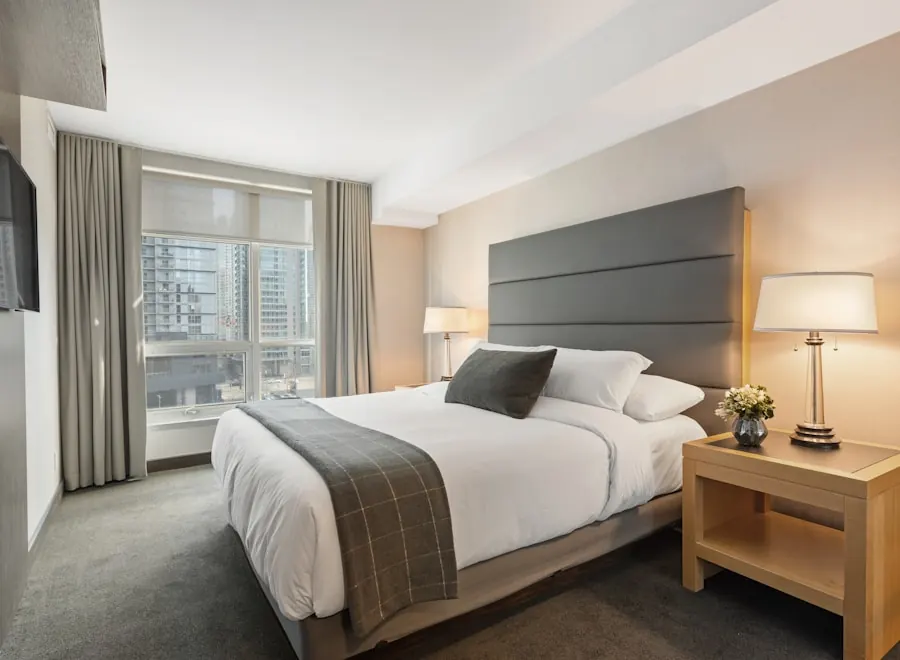
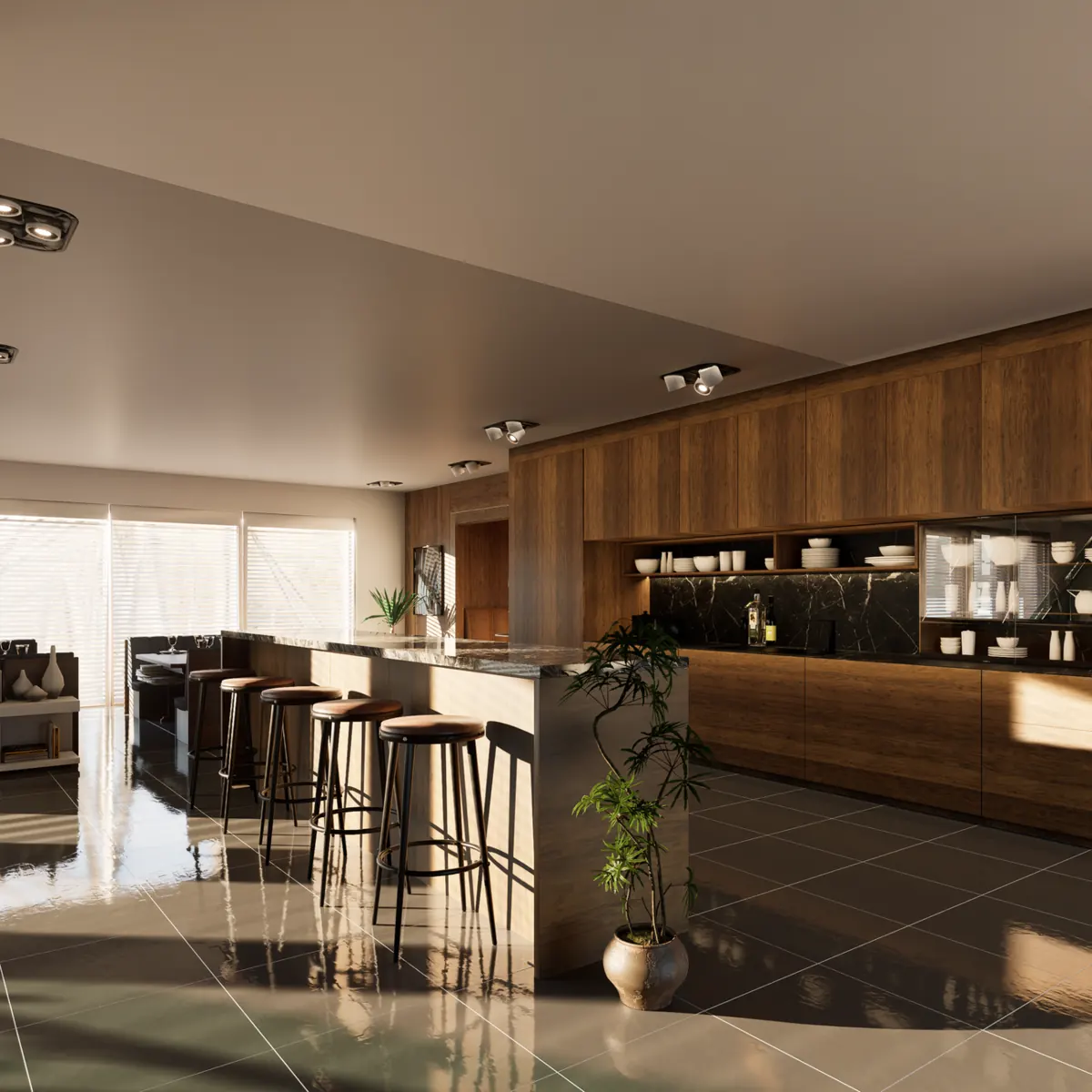
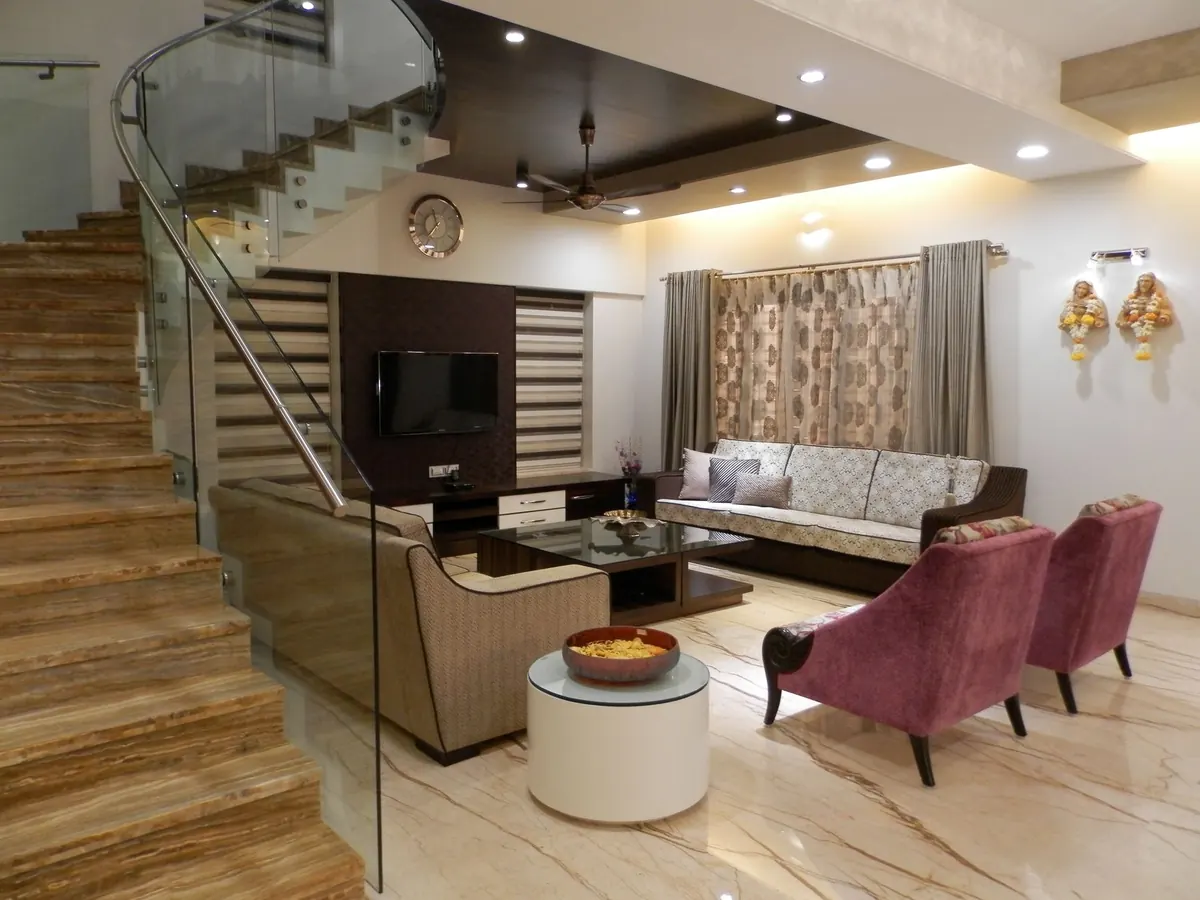
No images match that room and style yet — try “All Styles”.
Using references well
Collect what you react to, then look for the pattern.
Save freely at first — ten or fifteen images is plenty. Then look at what they share: is it the warmth of the wood, a muted palette, the amount of storage, or simply the light? That pattern is your brief, and it is far more useful to a designer than any single photograph.
Pair what you saved with real finishes from the material library, try palettes in the colour guide, and put it all together on a mood board. When you are ready to talk numbers, the cost calculator gives a realistic starting budget.
FAQ
Frequently asked questions
Can I use these images to brief my designer?
How do I turn saved images into a mood board?
Will my home look exactly like a gallery photo?
Found a look you love?
Bring your saved images to a consultation — we will show you how it translates to your home and budget.
Book a consultation